Tab Manager icon

Manage tabs
like files.

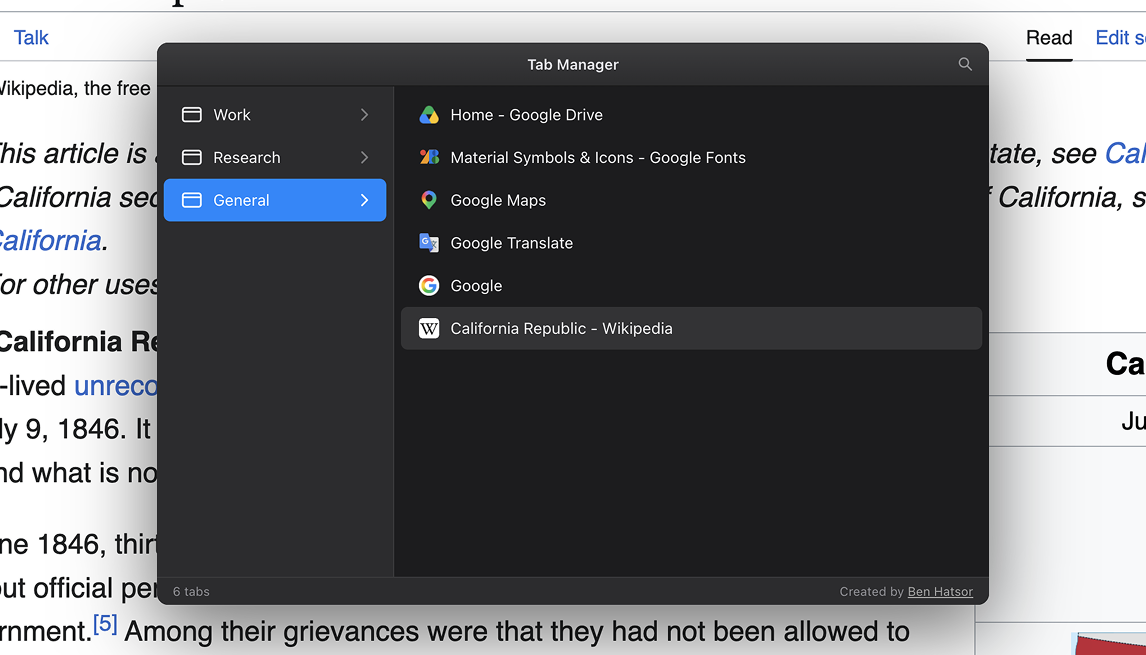
A tab manager for Chrome that works like the macOS Finder. Search, drag, and rename your tabs and windows from one keyboard shortcut.

Add to Chrome then press
+E
The Tab Manager overlay showing windows in a sidebar and tabs in a list

Find any tab in a keystroke

Press +F and type. The list narrows as you go, so you're not hunting through a row of identical favicons.
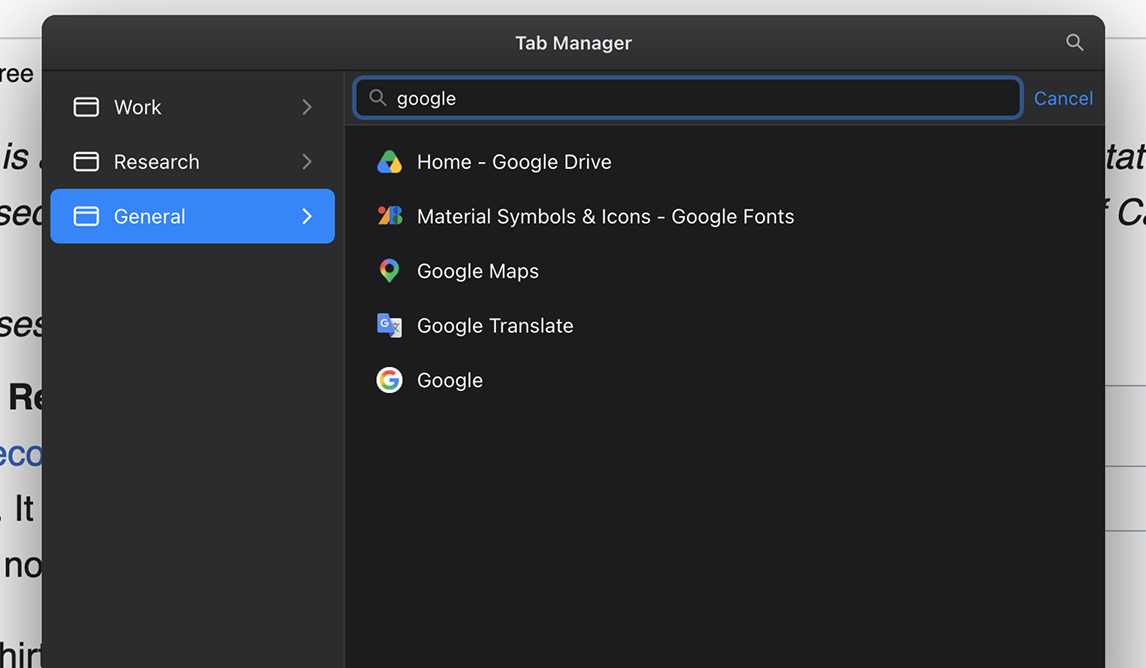
Searching tabs with a live-filtered list

Drag tabs between windows

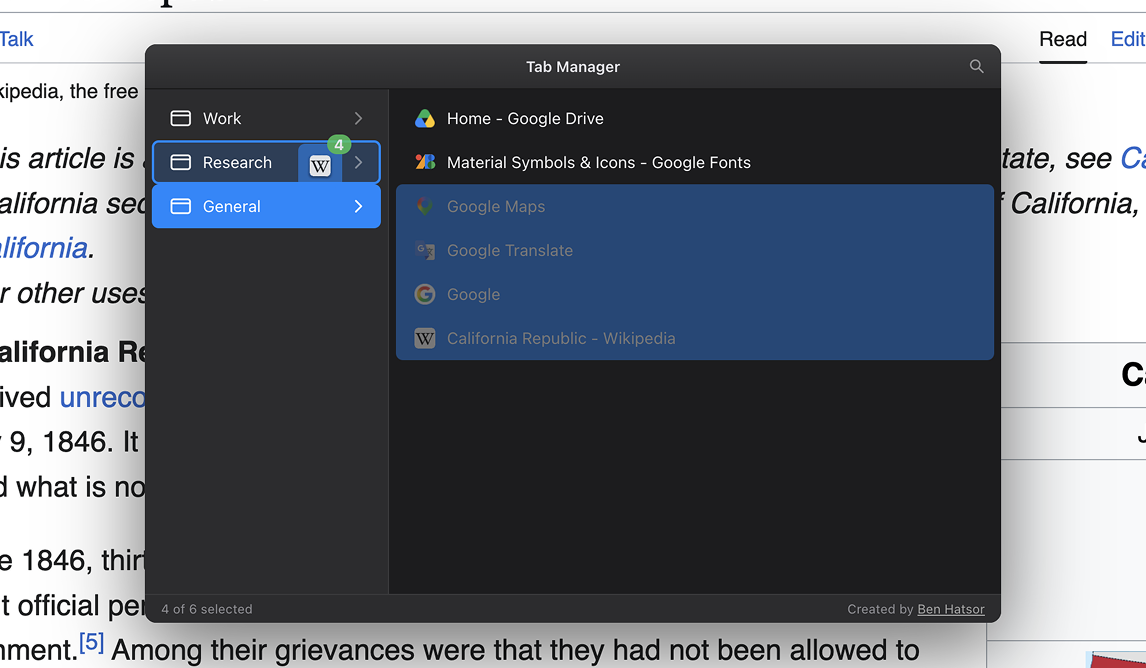
Drag a tab from one window to another. Grab a few at once when you're moving a whole group.

Dragging several selected tabs onto another window

Group windows like folders

Cut, copy, and paste tabs, or send a selection off into its own window. It's just like moving files.

Context menu creating a new window with the selected tabs

Give your windows real names

Name a window Work, Research, or Shopping, and the name sticks with it for as long as it's open.
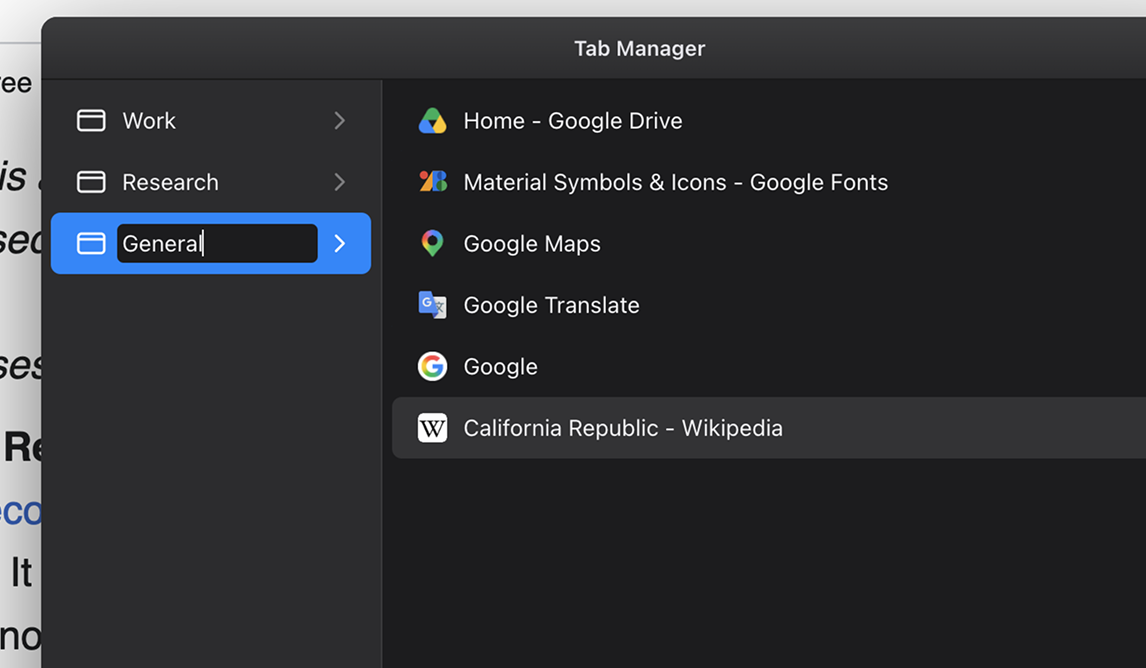
Renaming a window inline in the sidebar

Unload tabs to save memory

Put idle tabs to sleep to free up memory, then load them back when you need them again. Helpful when a session gets heavy.
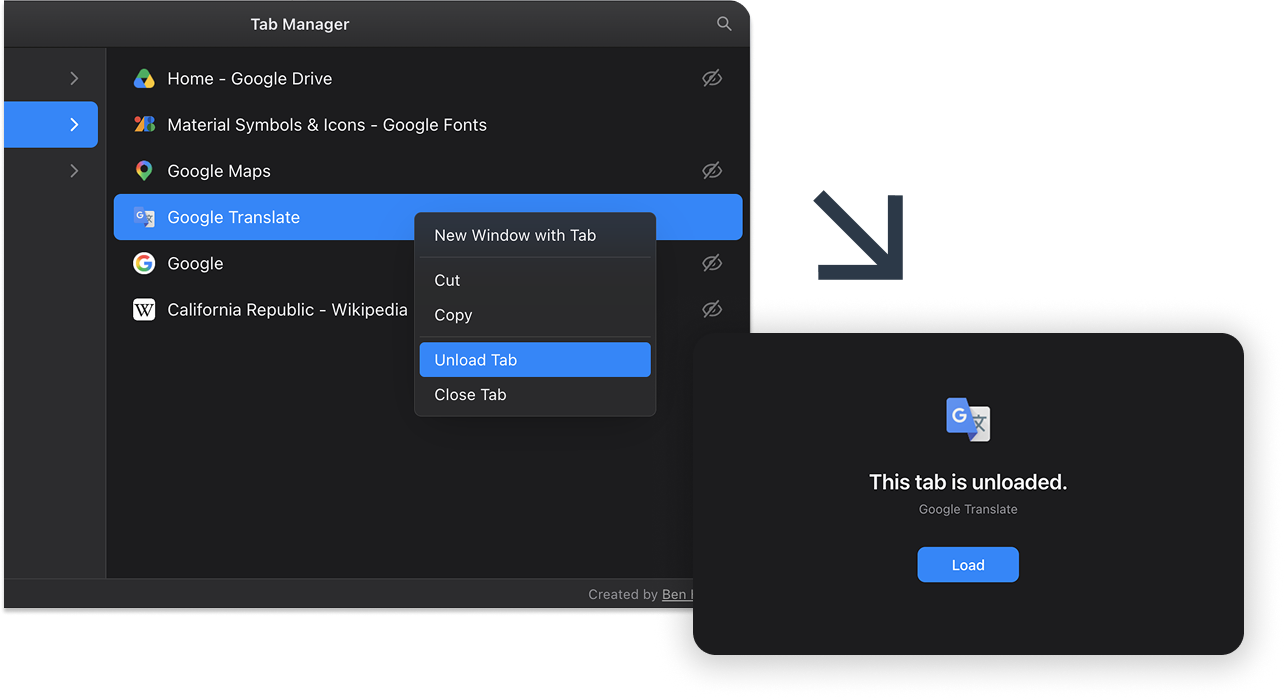
Unloading a tab to free up memory

Adapts to your theme

It follows your light or dark theme, so it looks at home next to the rest of your browser.
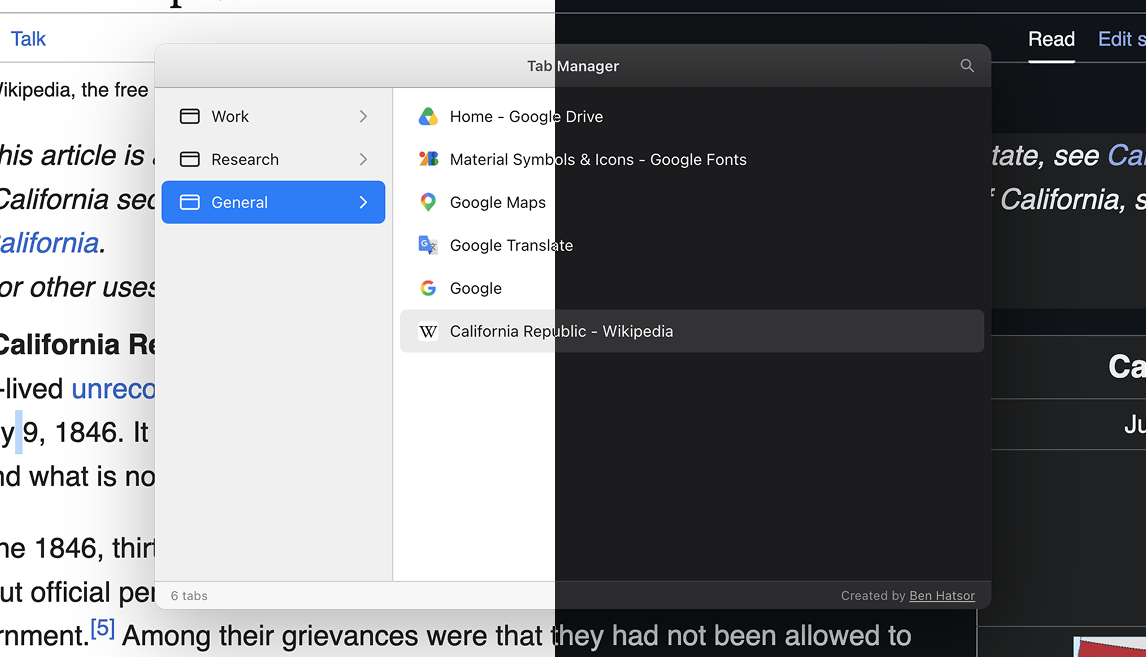
The overlay shown in both light and dark themes

Built for the keyboard

Everything is just a keystroke away.

/Ctrl+EToggle Tab Manager
+FSearch tabs
+ASelect all
+C X VCopy / cut / paste tabs
Navigate (Shift extends)
EnterJump to a tab
Close selected tabs
EscStep back or close

Your data stays yours

Tab Manager reads tab titles and URLs only to display and organize them.
It doesn't collect your browsing data or send it anywhere. Everything stays on your device.

Bring some order to your browser.

Add to Chrome